
Seating chart planner
Plan every table in minutes.
Build tables, assign seats and adjust on the fly.
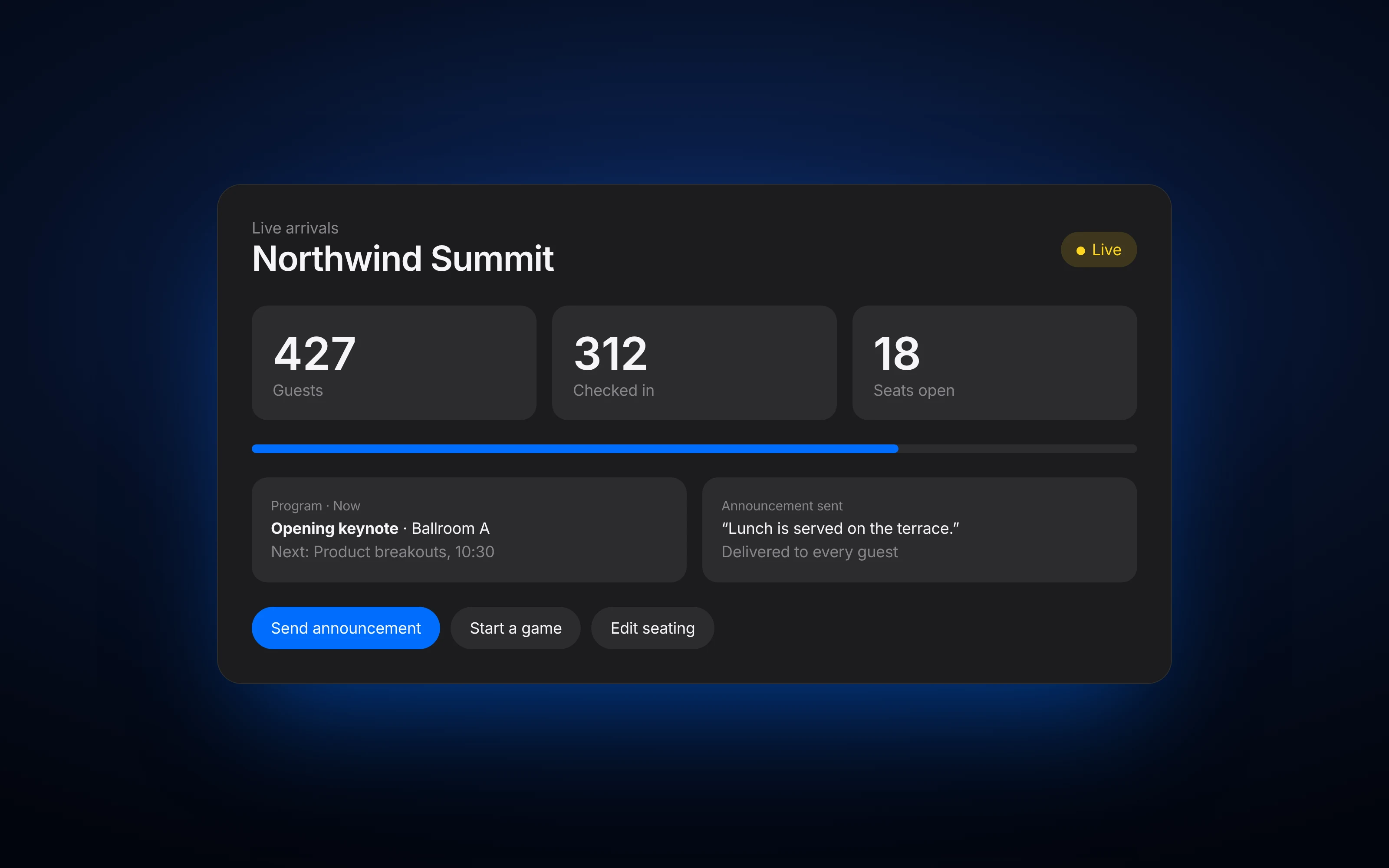
The seating chart planner is the part of BlueBox that lets organizers build tables, assign seats, seat families together and fix changes instantly. Guests use it on their phone by scanning a QR code, or on the BlueBox touchscreen display, with no app or account.
Seating chart planner, without the generic list.
- Tables your way.Build the room with the tables you have.
- Families together.Keep groups seated side by side.
- Fix changes instantly.Move a guest and every screen updates.
- Straight to guests.Seats flow into Find My Seat on phones and on the touchscreen, if you add one.
How it works
- 1Import your guest list
- 2Add your tables
- 3Assign seats and keep groups together
- 4Publish so guests can find their seat
Questions
Do guests need to download an app?
No. Guests scan one QR code and it opens in their phone's browser, with no app or account.
Can I import my guest list?
Yes. Upload or paste your list, then assign seats.
What happens when I move a guest?
Their new seat shows to guests as soon as you save.
Can I seat families together?
Yes. Assign related guests to the same table.