
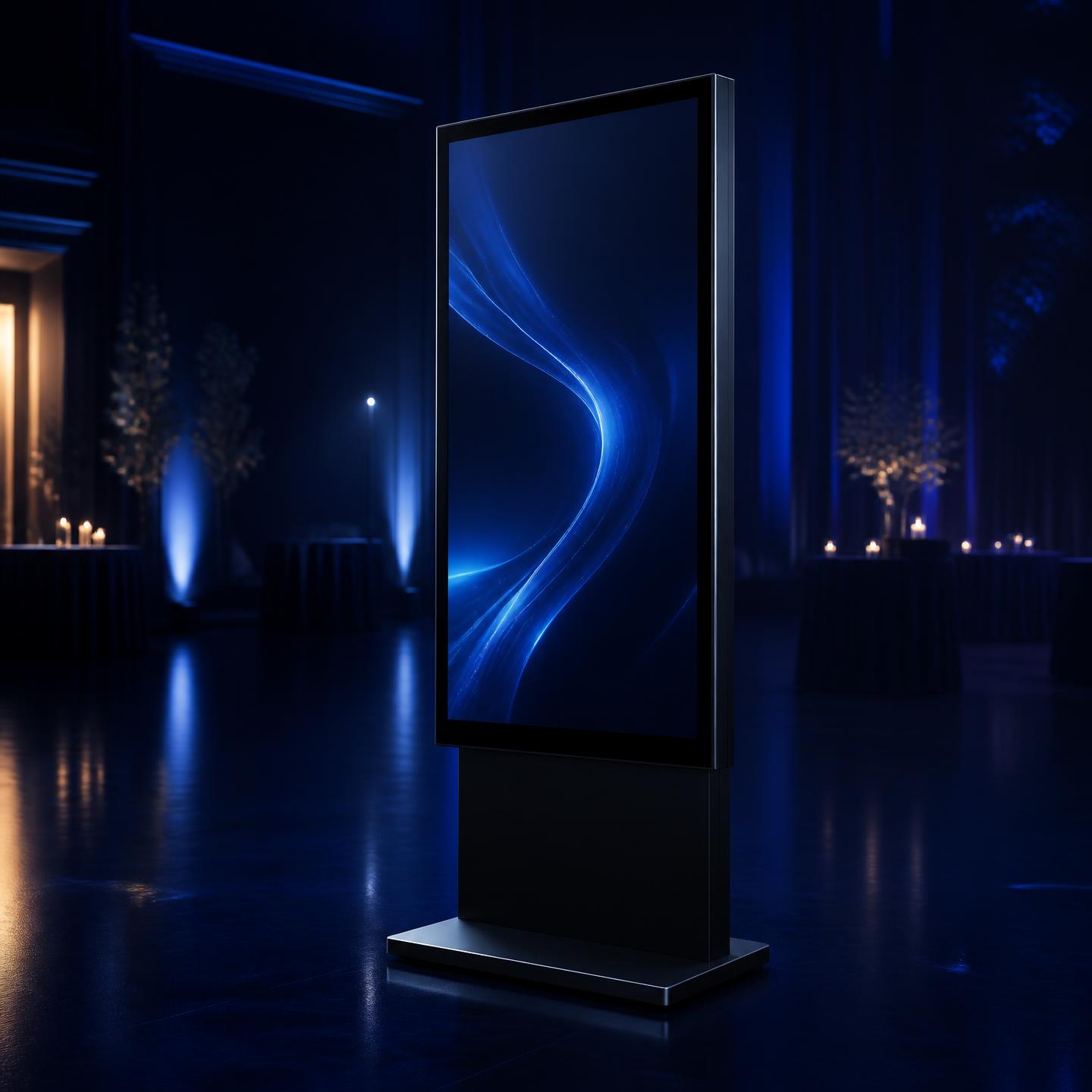
A digital arrival experience
The BlueBox display.
Not a rented television — a large interactive display, configured for your event before it ever reaches your venue, that greets every guest, finds their table and checks them in without a host standing over their shoulder.
WELCOME
Tolani & David
Find My Seat
Touch to begin
What it's actually used for
One screen at the entrance,
four real jobs.
Find My Seat
Guests search their own name at the entrance and are shown their table instantly — no printed chart, no crowd around a single board.
Explore Find My SeatGuest Check-In
The same touchscreen runs check-in, absorbing a steady flow of arrivals without a line forming behind a single host.
Explore guest check-inWelcome Display
Between guests, the screen shows your event's welcome message and design — the first thing anyone sees as they walk in.
Guest Event Experience
The display is the physical counterpart to the guest hub guests carry on their phone — the same event, the same information, in the room itself.
See the full guest experience

How it works
From reservation
to pickup.
Reserve
Tell BlueBox your event date and venue. Availability is checked against your service area and other bookings before you're asked to pay.
Prepare your event
Add your guest list, assign tables and set your welcome design in the organizer app — the same setup that powers the guest hub on phones.
BlueBox is configured
Your event, guest list and design are loaded onto the display ahead of time, so it arrives ready rather than blank.
Display is used at the event
Guests search their name, check in and see your welcome screen at the entrance, with the display resetting itself after each guest.
Return / pickup
The display is collected afterwards as part of the reservation arranged for your event.
Service areas and payment
Delivery, setup and pickup —
only where BlueBox reaches you.
BlueBox display rental includes delivery, setup and pickup, but only within the service areas currently configured. When you start a reservation, your event location is checked against that coverage and against other bookings on the same date, so availability is confirmed before you're asked to pay anything.
For the full reservation flow — how the retainer and balance work, and what delivery windows look like — see event display rental.
See how reservations work
Already have your own screen?
Run the BlueBox guest experience digitally.
Renting a display isn't required to use BlueBox. The same welcome screen, name search and check-in can run on a screen you already have at your venue.
EXPLORE DIGITAL BLUEBOXPhysical display & reservation questions
Is the BlueBox display just a rented screen?
No. BlueBox arrives already configured for your event — your welcome screen, guest list and tables loaded — so guests get a designed arrival experience rather than a blank monitor.
What can guests actually do at the display?
Guests search their own name and see their table, check themselves in, and see your welcome screen and event design at the entrance.
Where is BlueBox display rental available?
Only within the service areas currently configured for delivery. When you start a reservation, your event location is checked against coverage and against other bookings before you're asked to pay.
What happens between reserving and the event?
Once reserved, your event's guest list, tables and design are loaded onto the display ahead of time, so it's ready to go the moment it's set up at your venue.
What happens after the event ends?
The display is returned — collected as part of the reservation you set up, per the delivery and pickup details agreed for your event.
Do I need my own screen if I rent a BlueBox?
No. A rented BlueBox includes the physical display itself. If you'd rather run the same guest experience on a screen you already own, see the digital BlueBox guest experience instead.
Explore more of BlueBox
- Event display rental
The full reservation flow: service areas, availability checking, retainer and balance.
- Find my seat
The same name search guests use on the display, also available on their own phone.
- Event guest management software
Build the guest list, tables and groups that power what the display shows.