
Option 1
The Digital Experience
Run the guest experience from guests' phones.
- Find My Seat
- Check-in
- Program
- Menu
- Event information
- Announcements
- Live updates
Built for the moments guests remember.
And what happens next.
BlueBox connects the guest journey from arrival to last dance — with digital seating, event check-in, live event information, guest engagement and real-time updates in one experience. No app, no account.

From finding their seat to following the program, requesting assistance and connecting with the room, BlueBox gives guests a reason to participate rather than simply attend. Every guest. Perfectly handled.
One connected experience for every guest, start to finish.
Guests walk in and scan one QR code, or use the BlueBox display.
Guests check themselves in, or staff welcome them in seconds.
Guests search their name and find their table and seat.
Guests know what's happening now and what comes next.
Dinner, dessert and drinks, published by the organizer.
Announcements reach every guest during the event.
Less searching. Less asking. More time in the room.
This is a live demonstration with sample event data — type a name and see the guest experience end to end.
Product demonstration — sample event data
What's your name?
Events are beautiful. Arriving at them isn't always.
BlueBox gives
every guest the answer.
Every guest. Every seat. No printed seating chart, no crowd around the entrance and no asking the host.
Organizers build the floor plan, make table assignments and seat assignments, and publish when ready — guest seating updates instantly.
Explore Find My Seat →Table 12
Sarah Williams
Seat 4
Guests don't download an app or create an account. One QR code opens the whole browser-based guest experience.
Dinner
Dessert
Drinks
Dinner will begin shortly. Please make your way to your assigned table.
Announcements appear in every guest's hub during the event, so a change of timing reaches the room without a microphone.
Live announcements →Whether guests use QR code check-in on their phone, the BlueBox display, or are welcomed by staff, know who's arrived in one real-time attendance view.
From their own phone, right after they find their seat.
At the interactive display by the entrance.
A host checks guests in from the organizer app.
One running count of who has arrived.
Live arrivals
243 / 427
57% arrived
BlueBox is your command center for the guest experience — guest management, event seating and floor plans, design, check-in and Go Live, all in one workspace.
Event
Tolani & David
Event readiness
92%
BlueBox extends beyond guests' phones into a physical interactive event display — helping guests at the entrance while adding a distinctive presence to the event.
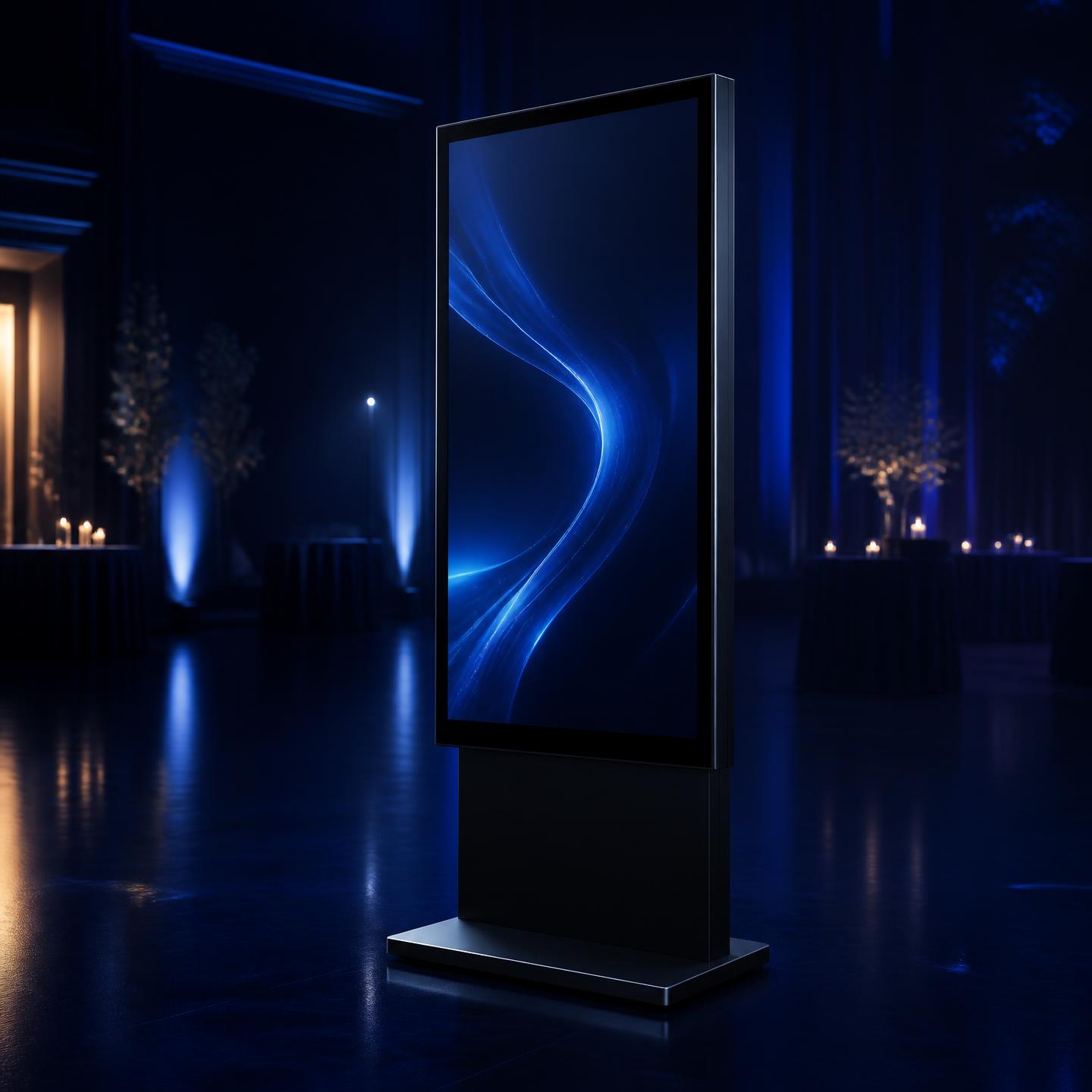
Two ways to bring it to life.
Option 1
Run the guest experience from guests' phones.
Option 2
Bring the physical interactive display to your event.
 Weddings
Wedding guest management, wedding seating charts, table assignments, guest information and event-day updates.
 Galas & fundraisers
Table-by-table seating, guest arrivals, event programs and live announcements.
 Corporate events
Guest lists, seating plans, check-in, event information and live updates.
 Award ceremonies
Guest seating, event programs, arrivals and live information.
 Birthdays & milestones
Guest seating, menus, programs and celebration information.
 Conferences
Check-in, seating, event schedules and attendee information.
Guest lists, family groupings, seating and event-day information.
A polished guest experience from arrival through the event.
Fewer seating questions on the day. Guest lists, table assignments and event content stay in one place you can update up to the last minute.
The arrival and information layer of the event, ready before doors open and monitored live while guests arrive.
A cleaner entrance: no printed seating boards or trestle tables of place cards, and a display that can sit in your foyer.
Arrivals visible in one view, announcements sent to everyone at once, and event details guests can self-serve.
Step 01
Name it, set the date and venue, and BlueBox creates your guest link and display link.
Step 02
Upload or paste your guest list, or add guests one at a time.
Step 03
Build the floor plan, give guests a table and seat, and see who still needs one.
Step 04
Set your colours, welcome screen, program, menu and event information.
Step 05
Guests scan the event QR code, or use the BlueBox touchscreen at the entrance.
Step 06
Welcome guests and watch arrivals update as they check in.
BlueBox is a guest experience platform for live events. Organizers add their guest list, assign tables and design the experience; guests then find their seat, check in and follow the event from their phone or from an interactive BlueBox display.
Guests search their own name and BlueBox shows their table. Search tolerates spelling differences, and where two guests share a name, extra details are shown so the right person is selected.
No. Guests scan the event QR code or open the event link in their phone browser. There is no app to install and no account to create.
Yes. Every event has a guest link and QR code that opens the guest hub, with Find My Seat, the program, menu, event information and announcements.
Yes. Each event has a display link that runs a full-screen kiosk experience for a large touchscreen at the entrance, including name search and the table reveal.
Yes, where the organizer enables check-in. Guests can check in from their phone or at the BlueBox display, and staff can also check guests in from the organizer app.
Yes. Organizers publish a timed program and guests see it as a live timeline that highlights what is happening now.
Yes. Menus, event information such as venue, timing and dress code, and live announcements can all be published to the guest hub.
Yes. Weddings are one of the most common uses — seating, arrival, program and menu are all handled in the same guest experience.
Yes. Conferences, awards, galas and corporate dinners use the same guest list, seating, check-in and announcements features.
Yes, within the service areas BlueBox currently covers. Reservations include delivery, setup and pickup around your event, and availability is confirmed before payment.
Guests reach an event through its guest link or QR code, which the organizer shares. Anyone with that link can search the guest list by name and see a guest's name, table and seat. Email addresses and phone numbers are never shown to guests. Organizers decide when the guest experience goes live and can switch Find My Seat off. On a shared BlueBox display, the screen clears the previous guest after a short period of inactivity.
You can add guests one by one or import a list by uploading or pasting it, and BlueBox flags likely duplicates before they are added.
Yes. Name search is the core of the guest experience on both phones and the BlueBox display.
From the moment guests arrive, BlueBox helps them know exactly where to go, what comes next and how to be part of the event.