
Celebration Wall
Every guest's photos and kind words, on one wall.
Guests share from their phone; the whole room watches it grow.
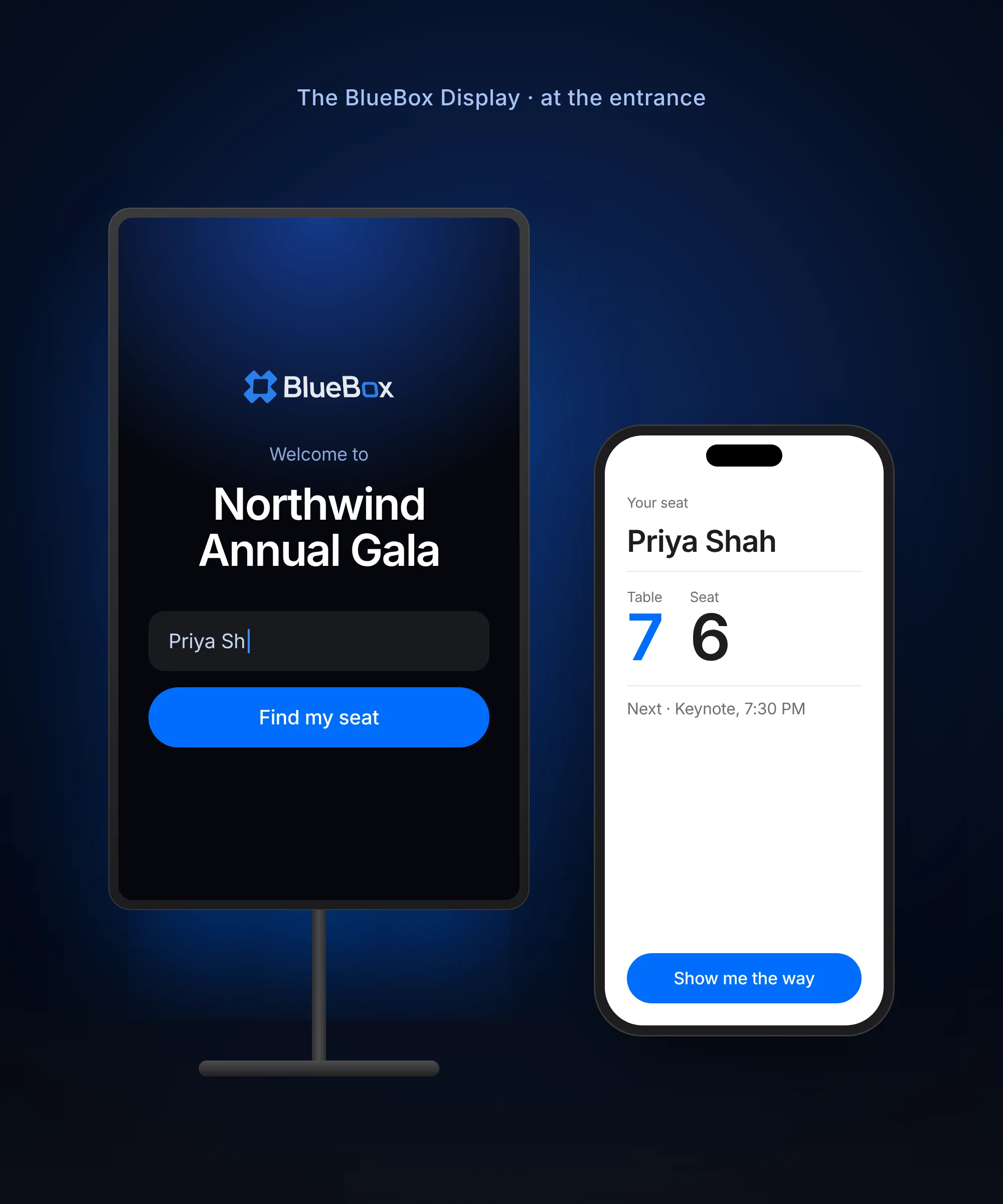
The Celebration Wall is the part of BlueBox that lets guests add photos and kind words from their phone, shows them on a wall on the phone and on the BlueBox display, and keeps them after the event for hosts and guests. Guests use it on their phone by scanning a QR code, or on the BlueBox touchscreen display, with no app or account.
Celebration Wall, without the generic list.
- Straight from the phone.Guests add a photo or a kind word in seconds — no app, no account.
- Live on the big screen.Approved moments appear on the BlueBox display as the celebration unfolds.
- You approve what shows.Nothing reaches the wall until you say so.
- Kept after the event.The wall stays with hosts and guests as a keepsake once the day is over.
How it works
- 1Turn on the Celebration Wall for your event
- 2Guests open the event link and add a photo or a kind word
- 3You approve what appears
- 4The wall plays on phones and on the display — and stays after the event
Questions
Do guests need to download an app?
No. Guests scan one QR code and it opens in their phone's browser, with no app or account.
Can guests add both photos and messages?
Yes. Guests can add a photo, a kind word, or both, straight from their phone.
Does everything guests add appear automatically?
No. You approve each moment before it appears on the wall.
What happens to the wall after the event?
It is kept for hosts and guests to look back on after the day.